
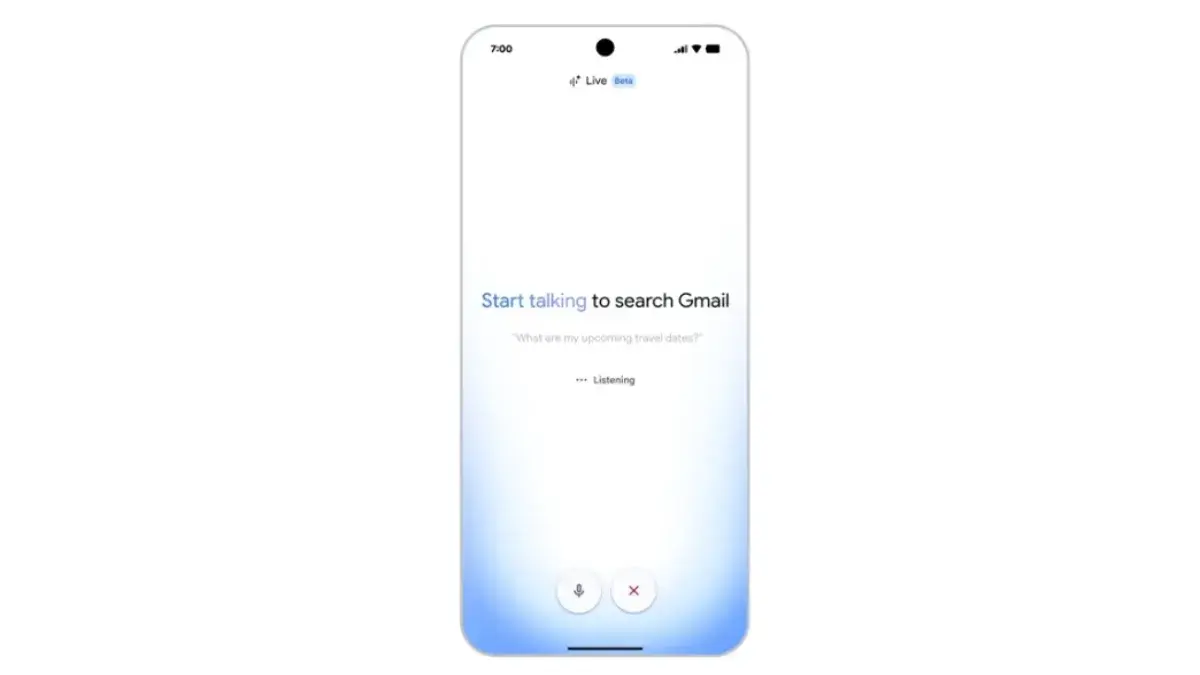
Gmail Introduces Live Voice Search: The Future of Email is Here
Google has once again raised the bar in digital communication by unveiling Gmail Live, an innovative feature that lets users search and listen to their emails using just their voice. This new tool is turning the traditional email experience on its head, making inbox management faster, more accessible, and surprisingly conversational.
What is Gmail Live Voice Search?
Gmail Live Voice Search is a cutting-edge addition to Gmail that enables users to interact with their inbox in a whole new way. Instead of typing queries or scrolling endlessly, you can now simply speak your request—like "Read me my unread emails from last week"—and Gmail will instantly read those messages aloud. It's like having a personal assistant for your email, right inside your inbox.
Why This Update Matters
For years, managing a cluttered inbox has been one of the biggest challenges for professionals, students, and anyone who relies on email. Google's new feature streamlines the process, making it hands-free and much more efficient. Whether you're multitasking at work, on the go, or just prefer auditory information, this tool can save you serious time and effort.
How Does Live Voice Search Work?
- Activation: Users can activate the feature with a simple voice command or a click on the microphone icon inside Gmail.
- Search Queries: Speak naturally—ask for unread messages, emails from a specific person, or messages about a certain topic.
- Instant Playback: Gmail will process your request, search your inbox, and start reading the relevant emails aloud in real time.
- Privacy Controls: Voice data is processed securely, and users have options to manage their privacy preferences within Gmail settings.
What This Means for Beginners
If you're new to Gmail or just starting to explore technology tools, Gmail Live Voice Search is a game-changer. Here's why:
- Accessibility: The feature is ideal for those with visual impairments or anyone who finds traditional email interfaces overwhelming.
- No Learning Curve: You don't need any special skills—if you can speak, you can use this tool.
- Improved Productivity: Beginners often struggle with organizing and finding emails. Voice search simplifies this, making it easier to stay on top of important messages.
Learning to Use Gmail Live Voice Search
Getting started with voice-based email management is straightforward. Here are some steps to help you master this new skill:
- Update Gmail: Ensure you have the latest version of Gmail, as the feature is only available in updated and paid plans.
- Practice Voice Commands: Start with simple requests like "Read my latest emails" or "Find emails from SupportMeTechs." Experiment to see what works best for your workflow.
- Explore Settings: Check out the voice search settings in Gmail to customize your experience and review privacy options.
How It Impacts Tech Learners
For tech enthusiasts and learners, Gmail Live Voice Search offers a valuable opportunity to observe real-world applications of artificial intelligence and natural language processing. Exploring these features can spark curiosity about voice recognition technology, privacy in AI, and UX design for accessibility.
3 Practical Takeaways
- Hands-Free Inbox Management: Use your voice to manage emails while cooking, commuting, or multitasking, making your day more productive.
- Boost Accessibility: Recommend this feature to friends or family who find reading emails challenging; it can make a significant difference.
- Get Inspired to Learn AI: Let this feature spark your interest in how voice technology works and how you can build similar tools yourself.