The Expert Take: One UI 8.5 Expands Device Reach
As engineering mentors who've shepherded hundreds of mobile projects from prototype to production, we know that major OS updates are more than just new features—they're inflection points for every developer and product team in the Samsung ecosystem. In our work training engineers at global firms, we see how every One UI iteration impacts device compatibility, app quality, and the skills market. With Samsung confirming One UI 8.5 for 20 additional Galaxy devices, the stakes for developers just got higher.
What Happened & Why It Matters
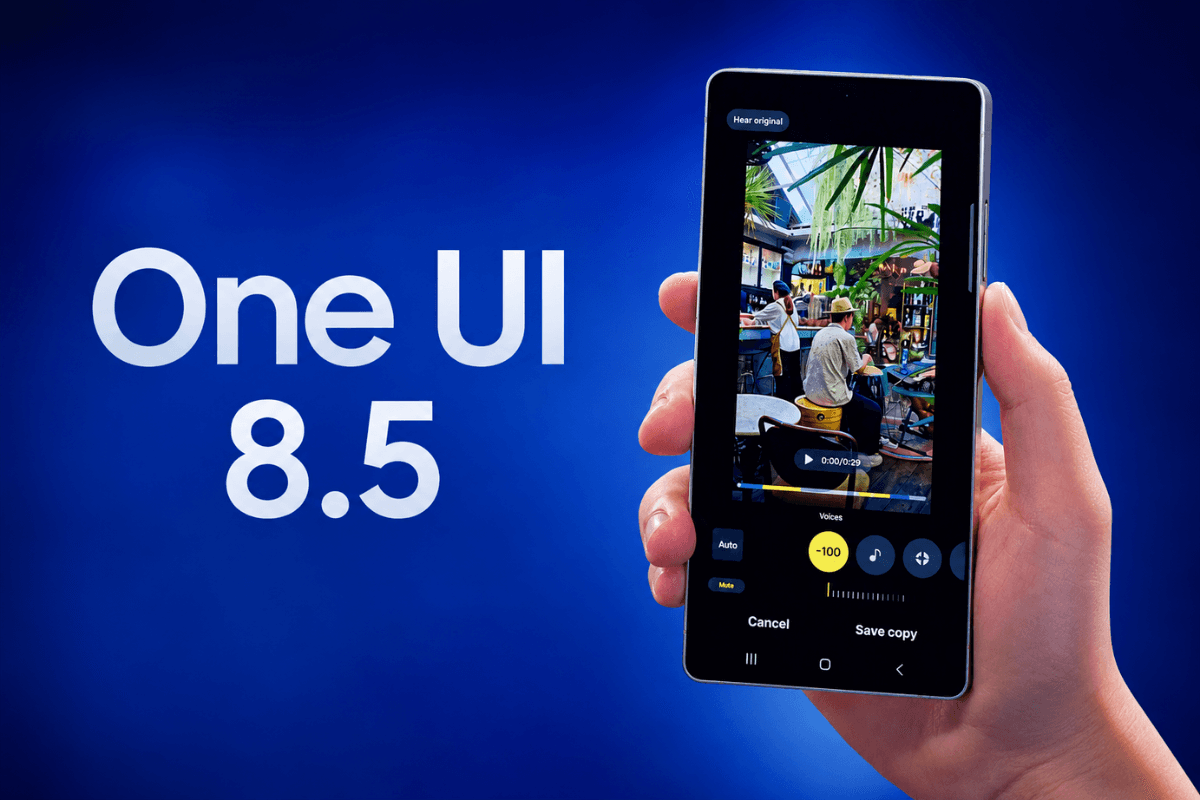
This week, Samsung announced that the One UI 8.5 update—already rolling out in Korea—will become available globally starting May 11. The company also confirmed that an additional 20 Galaxy devices will be eligible for this update, expanding beyond the initial rollout list. This means a wide spectrum of users will soon run the latest Samsung skin atop Android, impacting both consumer experience and the work of developers targeting these devices.
Why is this significant? Samsung’s Galaxy line remains one of the world’s most popular Android device families, with over 270 million units shipped annually (Statista, 2023). When One UI versions are released, they set the baseline for app testing, support, and user expectations worldwide. If you build, test, or support Android apps, your workflow is about to change.
The Technical Reality: What Engineers Need to Know
Let’s break down the core technical implications of the One UI 8.5 update for developers and engineering teams:
- Android Version Alignment: One UI is Samsung’s proprietary user interface layer built atop Google’s Android OS. For One UI 8.5, the underlying Android version is likely Android 14 (as per past trends), which brings its own API changes and behavioral updates. Developers must consult the official Android 14 changelog to identify breaking changes, new permissions, and deprecated APIs.
- Device Fragmentation: With 20+ additional Galaxy devices confirmed, the device fragmentation challenge intensifies. You’ll need to re-test UI layouts, animations, and hardware integrations (e.g., camera, sensors) on a broader array of screen sizes, chipsets, and RAM/ROM configurations. Automated test suites—using tools like Firebase Test Lab—become essential for CI/CD pipelines.
- One UI-Specific APIs and Features: Samsung augments stock Android with its own APIs (e.g., Edge Panels, S-Pen support, Samsung Knox security). One UI 8.5 may introduce or deprecate device-specific capabilities. For example, if your app interacts with Samsung DeX, Bixby routines, or custom gestures, you’ll need to review the Samsung Developer Documentation for new best practices.
- Backward Compatibility and User Experience: App crashes or degraded user experiences on newly updated devices can lead to negative reviews and churn. Implement robust feature flagging, version checking, and fallback code paths. For example, use
Build.VERSION.SDK_INTchecks to gracefully handle API differences:
if (Build.VERSION.SDK_INT >= Build.VERSION_CODES.UPSIDE_DOWN_CAKE) {
// Android 14/One UI 8.5 logic here
} else {
// Fallback for older versions
}
- Security and Privacy: Each major Android and One UI revision strengthens privacy and security policies (e.g., scoped storage, background activity restrictions). Review your app’s manifest, permission requests, and background task scheduling to ensure compliance. Samsung’s Knox integration may also add device-specific security APIs that can benefit enterprise apps.
- Third-Party Library and SDK Updates: Many libraries (e.g., image pickers, push notification SDKs) release compatibility patches for new Android versions. Audit your
build.gradledependencies and monitor GitHub issues for libraries your app depends on. - Testing and Rollback Strategies: With a staggered rollout, some users will be on older One UI versions for months. Design analytics and crash reporting to segment by OS/UI version. Prepare hotfix and rollback plans if critical issues are detected in production.
In summary, One UI 8.5 is not just a cosmetic update; it’s a platform shift that requires deliberate planning, code audits, and testing across a wide device matrix. Neglecting these steps can mean negative business impact for your organization or your clients.
Why This Directly Impacts Your Tech Career
From a career development perspective, the expansion of One UI 8.5 eligibility is a flashing signal for mobile engineers, QA analysts, and DevOps practitioners. Here’s why:
- Mobile App Developers: If you’re an Android engineer, especially in the Samsung ecosystem, your skills in device compatibility, UI/UX adaptation, and OS-specific feature integration will be in higher demand. Companies will need engineers who can ship stable, beautiful apps across the expanded device base.
- Quality Assurance Analysts: With more devices and a major OS/UI update, the need for advanced test automation, regression testing, and device lab management will spike. QA professionals who can set up emulators, physical device farms, or cloud test environments will be highly sought after.
- DevOps and Release Engineers: Staggered rollouts and increased device fragmentation mean robust CI/CD pipelines, feature flagging, and telemetry are critical. DevOps skills that facilitate rapid bug fixes and safe rollbacks will be rewarded in both product companies and consultancies.
Expect to see increased job postings for roles like "Android Platform Engineer," "Mobile QA Automation Specialist," and "Samsung Ecosystem Developer" in the next 12-24 months. Industries most affected include fintech (banking apps must be stable on all devices), healthtech (where reliability is mission-critical), and retail/e-commerce (where Samsung’s market share translates to direct revenue impact).
Compensation for engineers with proven multi-device, multi-UI experience can be 20-30% higher than for generic Android developers, especially in North America and EU markets (see Levels.fyi for salary benchmarks). If you can demonstrate successful launches or rapid patching on the latest One UI, you have a competitive edge.
Skills You Should Build Right Now
- Android 14 API Mastery – One UI 8.5 is built atop Android 14. Deeply understand new APIs, behavior changes, and permission models. Learning path: Complete the official "Android 14 Developer Training" from Google and build a test app using new APIs.
- Samsung-Specific SDK Integration – Features like S-Pen, DeX, and Knox are unique to Samsung. Learning path: Explore the Samsung Developer Portal and implement at least one Samsung-exclusive feature in a sample app.
- Advanced UI Testing at Scale – The expanded device list means more screen sizes and hardware combos. Learning path: Set up automated UI tests using Espresso and cloud device farms like Firebase Test Lab.
- Feature Flagging and Backward Compatibility – Safely manage different behaviors for multiple One UI versions. Learning path: Implement feature flagging in your app using open-source libraries like "Flagsmith" or "Fresco" and test with version checks.
- CI/CD for Mobile Apps – Ensure fast, safe rollouts and rollbacks in production. Learning path: Complete the "CI/CD for Android" course on Pluralsight or Udemy, and set up a basic pipeline using GitHub Actions or Bitrise.
Interview Preparation: Questions to Expect
- Conceptual: "How do you ensure your Android app is compatible with new One UI releases and a wide range of Galaxy devices?"
Guide: Discuss testing strategies, version checks, and device-specific code organization. - Technical: "What are the major API or permission changes in Android 14 that could affect One UI 8.5 apps?"
Guide: Reference the Android 14 release notes and explain at least one real-world change, such as background activity restrictions. - Behavioral: "Describe a time you rapidly patched a mobile app after a major OS/UI update caused production issues."
Guide: Use the STAR method (Situation, Task, Action, Result) to show your troubleshooting and communication skills. - Practical Coding: "Show how you would use
Build.VERSION.SDK_INTto enable or disable features based on One UI or Android version."
Guide: Be ready to write a code snippet and explain your logic for backward compatibility.
SupportMeTechs Perspective
Having guided dozens of student cohorts through major Android and One UI transitions, we know first-hand how intimidating these updates can be—but also how they unlock career opportunities. At SupportMeTechs, we focus not just on theory, but on building, testing, and shipping real-world apps that survive the chaos of platform upgrades. Our alumni routinely land jobs at Samsung partners and top app agencies because they’ve practiced navigating these multi-device, multi-version challenges. If you master the One UI 8.5 leap now, you’ll be ready for anything the mobile world throws at you next.
3 Things You Can Do This Week
- Set up a test device or emulator running Android 14/One UI 8.5 (beta or stable) and run your main app to identify immediate compatibility issues.
- Read through the latest Android 14 official changelog and list 3-5 changes that could impact your codebase or workflow.
- Register for a free account on the Samsung Developer Portal and download the One UI 8.5 SDK samples to start experimenting with new features.
Frequently Asked Questions
Which Galaxy devices are eligible for One UI 8.5?
Samsung has confirmed that an additional 20 Galaxy devices—including popular models like the Galaxy S21, S22, and select A and M series phones—will receive the One UI 8.5 update. For an up-to-date eligibility list, visit the official Samsung newsroom or your local Samsung support page. Checking device eligibility is crucial for targeting the right user base and planning app support tiers.
What are the major developer-facing changes in One UI 8.5?
One UI 8.5 is built atop Android 14, so it inherits all core platform changes—such as stricter background activity limitations, updated notification permissions, and enhanced privacy controls. Samsung may also introduce or update features like DeX, Edge Panels, and Knox integration. Developers should audit their apps for deprecated APIs, update libraries, and test for both UI and behavioral changes. Refer to both the Android 14 release notes and Samsung's One UI documentation for details.
How should I prepare my app for One UI 8.5 compatibility?
Start by running your app on a test device or emulator with One UI 8.5 and Android 14. Review crash logs, UI glitches, and permission prompts. Update your dependencies, refactor code for API changes, and implement version checks using Build.VERSION.SDK_INT. Automated UI and regression testing across multiple devices is essential. For Samsung-specific features, consult the latest Samsung SDKs and documentation to ensure smooth integration and performance.