
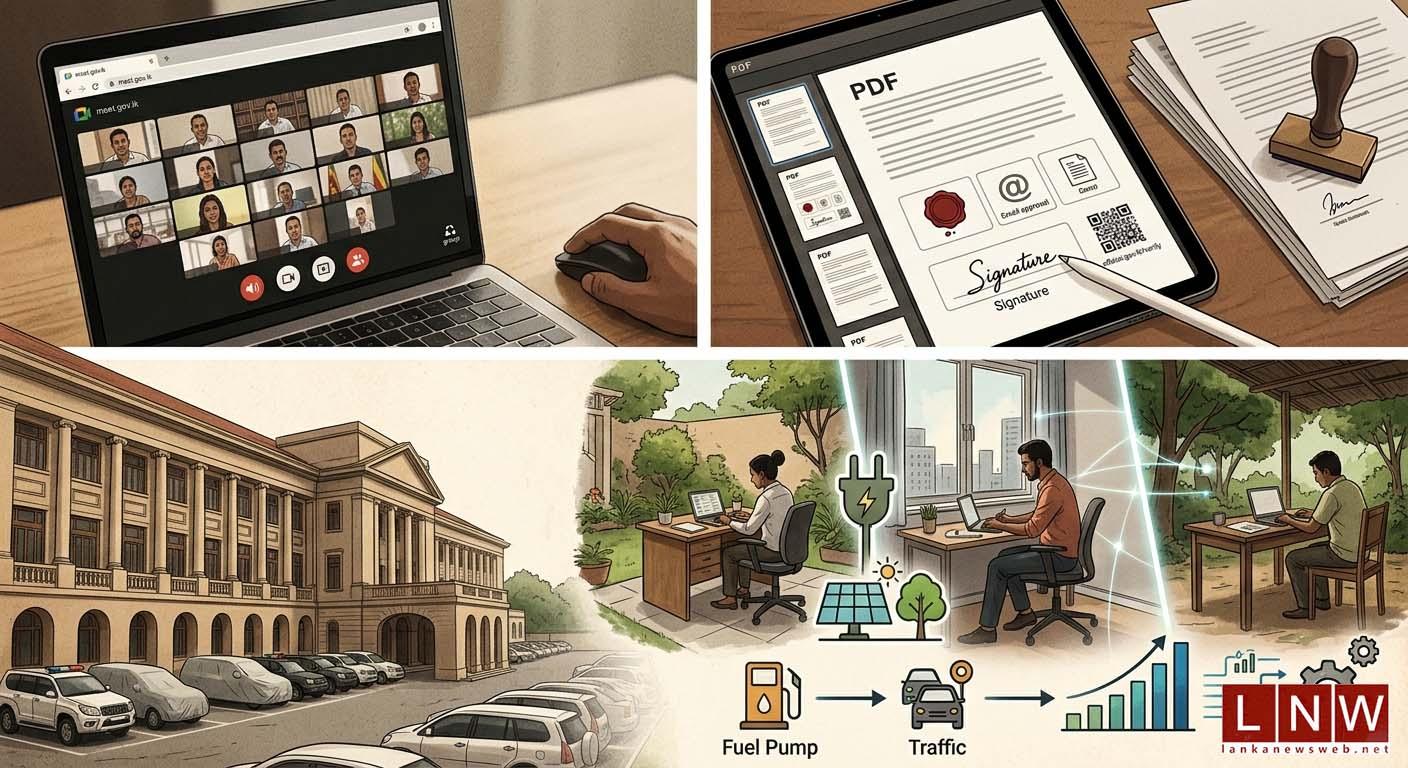
Understanding the Shift: Remote Work in the Public Sector
Over the past few years, remote working has moved from a trend to a necessity, especially in the public sector. Governments worldwide face a range of pressures—from economic uncertainty to global health crises—that demand swift adaptation. As a result, many have expanded remote work policies, enabling employees to operate efficiently outside traditional office environments. This shift isn’t just about convenience; it’s a fundamental change in how public services are delivered and managed.
Why Is Remote Work Becoming More Common in Government?
The expansion of remote working in government agencies is driven by several factors:
- Global Challenges: Political, health, and economic pressures require flexible responses.
- Technology Advancements: Cloud computing, secure communication tools, and collaboration platforms make remote work possible and efficient.
- Employee Wellbeing: Flexibility improves work-life balance and job satisfaction, which can boost productivity.
- Cost Savings: Remote work reduces the need for physical office space and related expenses.
Tech Tools Powering Public Sector Remote Work
For government employees to perform their duties remotely, robust tech infrastructure is essential. Here are some of the key technologies enabling this transformation:
- Cloud-based platforms: Services such as Google Workspace and Microsoft 365 allow for document sharing, real-time collaboration, and secure storage.
- Virtual Private Networks (VPNs): VPNs ensure secure access to government databases and internal networks from anywhere.
- Video Conferencing: Tools like Zoom and Teams facilitate meetings and communication across departments.
- Cybersecurity Solutions: As remote work expands, protecting sensitive information becomes crucial. Encryption, authentication, and monitoring tools help safeguard data.
What This Means for Beginners in Tech
If you’re just starting your journey in the tech world, the government’s move towards remote work opens new opportunities. Public sector organizations are increasingly hiring IT specialists, cybersecurity experts, and support technicians to manage digital infrastructure.
Learning about remote work technologies, cloud computing, and digital security can set you apart in the job market. Many government roles now require basic tech skills, from troubleshooting video conferencing issues to managing secure file transfers.
How to Build Skills for Remote Work Support
Want to thrive in this new era? Here’s how you can prepare:
- Take Online Courses: Platforms like Coursera, Udemy, and SupportMeTechs offer beginner-friendly guides on remote work technologies.
- Practice with Collaboration Tools: Get familiar with Microsoft Teams, Slack, and Google Workspace. Try setting up meetings or sharing files with friends.
- Learn Cybersecurity Basics: Understand password management, VPNs, and secure browsing. These are essential for remote roles.
- Stay Updated: Remote work tech evolves quickly. Follow tech blogs and join forums to keep up with trends and solutions.
Challenges and Considerations
While remote work brings many benefits, it also poses challenges—especially for governments. Ensuring data privacy, maintaining productivity, and supporting employees who may lack reliable technology are ongoing concerns. Agencies must invest in training, robust IT support, and flexible policies to make remote work sustainable.
3 Practical Takeaways for Tech Learners
- Remote work is here to stay: Public sector organizations increasingly need tech-savvy professionals to manage flexible work environments.
- Develop relevant skills: Focus on collaboration tools, cloud platforms, and cybersecurity to qualify for remote support roles.
- Stay adaptable: The technology landscape for remote work is evolving. Continuous learning will help you stay ahead and land rewarding jobs in the government or beyond.