
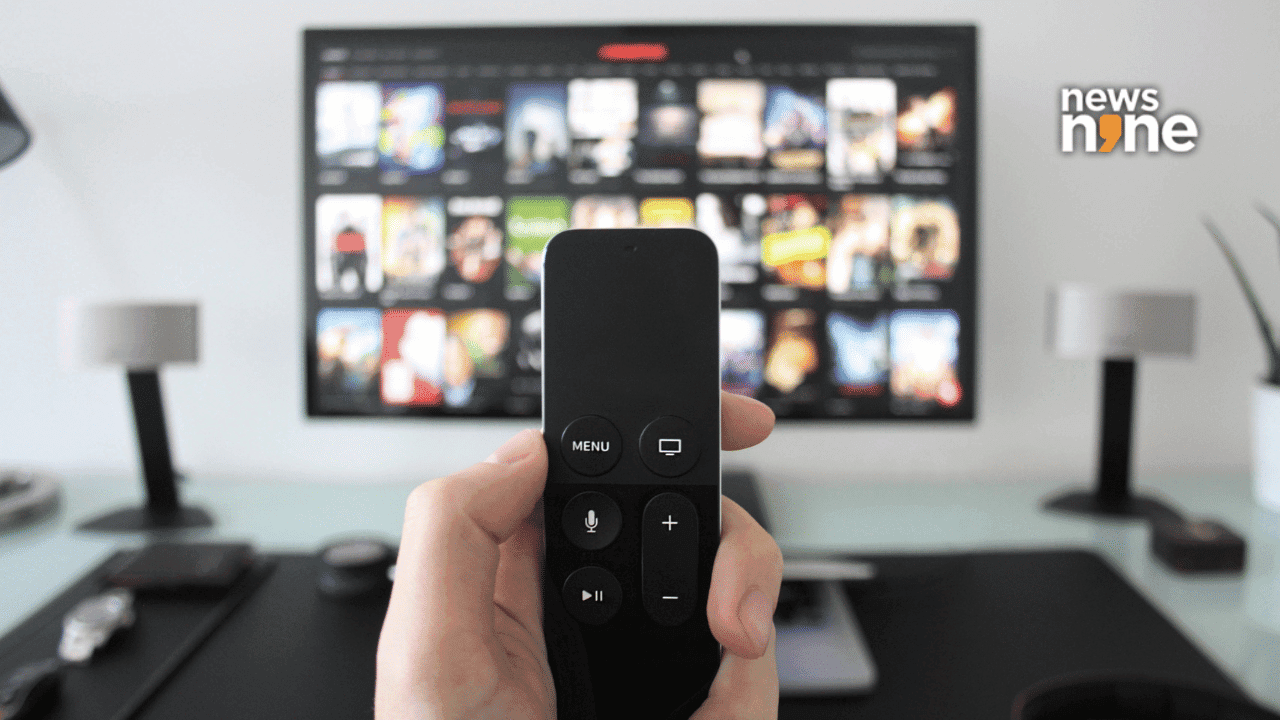
Is Your Smart TV Watching You?
Smart TVs have revolutionized home entertainment, offering features like streaming apps, voice assistants, and personalized content. Yet, beneath these conveniences lurks a lesser-known reality: many smart TVs monitor your viewing habits. This isn’t just a futuristic concern—it's happening right now, often without users’ full awareness.
Understanding Automated Content Recognition (ACR)
Automated Content Recognition, or ACR, is the technology powering this surveillance. ACR works by scanning what appears on your screen—whether you’re watching a cable show, streaming Netflix, or playing a Blu-ray—and reporting that information back to the TV manufacturer or third-party partners. The goal? To tailor recommendations and ads, and sometimes even to aggregate viewing data for broader analytics.
Why ACR Raises Privacy Questions
While ACR can create a more customized user experience, it also sparks privacy concerns. Most users don’t realize their TV is collecting data about every show, movie, and ad they watch. This information can be shared with advertisers, content providers, and data brokers, potentially profiling your household’s entertainment preferences.
How to Check If Your TV Is Tracking You
Different brands implement ACR in unique ways. Common names for this feature include "Viewing Information Services," "Smart Interactivity," or simply "ACR." To see if your TV is tracking you:
- Navigate to the TV’s settings menu.
- Look under privacy, network, or advanced settings.
- Search for terms like ACR, Viewing Data, or Personalization.
- Read the privacy policy—often found in the setup menu or online.
Manufacturers such as Samsung, LG, Sony, and Vizio all use ACR, though the opt-out steps may vary. If you’re unsure, check your TV’s manual or support website.
How to Turn Off Tracking Features
Disabling ACR is possible on most smart TVs with a few simple steps:
- Find the right menu: Look for privacy settings, data collection, or viewing information in your TV’s options.
- Toggle the feature: Turn off ACR, Viewing Data, or similar options.
- Restart your TV: After disabling, restart the device to ensure changes take effect.
Keep in mind, turning off ACR may affect recommendations or smart features. However, your privacy will be better protected.
What This Means for Beginners
If you’re new to smart TVs or technology in general, the idea of your device tracking you might feel intimidating. Don’t worry—managing privacy is easier than it sounds. Start by familiarizing yourself with your TV’s settings and take time to read the privacy policies provided. If you ever feel unsure, ask a tech-savvy friend or look for online tutorials specific to your TV model.
How to Learn More About Privacy & Smart Devices
Understanding privacy settings is an essential skill for any tech learner. Here’s how you can get started:
- Research: Read guides from reputable tech sites or your TV manufacturer.
- Practice: Explore your device’s menus and experiment with settings.
- Stay updated: Keep an eye on software updates, as privacy controls can change over time.
Learning how to manage privacy settings on smart devices will empower you to make informed choices and protect your data across all your connected gadgets.
3 Practical Takeaways
- Smart TVs track what you watch using ACR, sometimes sharing this data with advertisers.
- You can easily disable tracking features by exploring your TV’s privacy settings.
- Building privacy skills helps you take control of your tech and safeguard your information.