
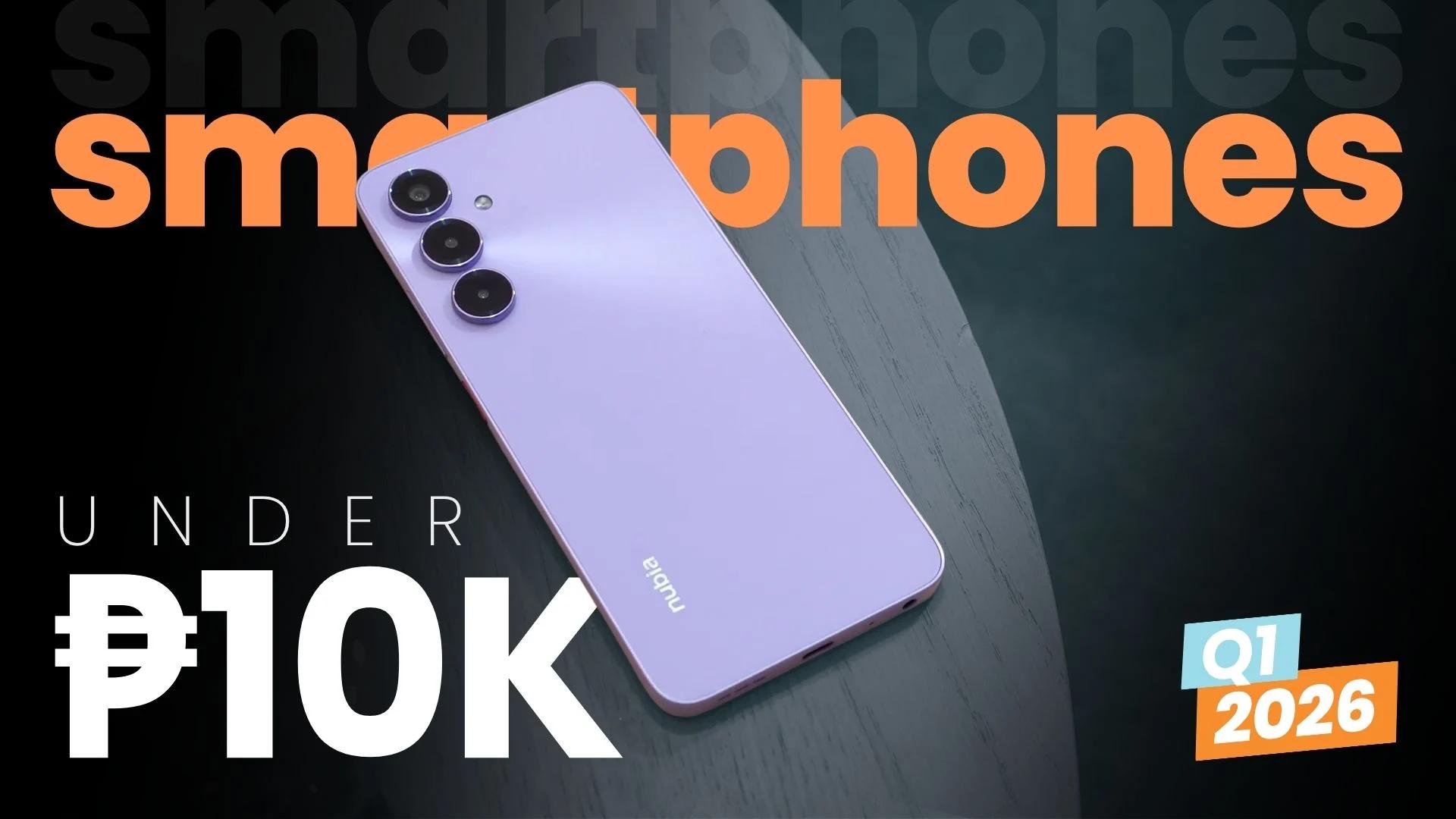
Exploring Affordable Smartphones: The 2026 Guide for Learners
If you're searching for a smartphone that doesn't break the bank, especially as a student or beginner in tech, you're in luck. The first quarter of 2026 has delivered a fresh batch of budget-friendly devices in the Philippines, all priced under PHP 10,000. In this guide, we'll break down the best options, highlight their features, and offer advice on choosing a phone that supports your learning journey.
What’s New in the Under PHP 10,000 Smartphone Market?
This year, manufacturers have focused on delivering impressive specs at affordable prices. Expect to see improvements in RAM, processors, battery life, and camera quality. These upgrades make budget smartphones powerful enough for online classes, coding, content creation, and casual gaming.
- Better Performance: Entry-level processors now handle multitasking and light development work.
- Enhanced Displays: Full HD screens are becoming standard, ideal for watching tutorials and reading e-books.
- Longer Battery Life: All-day batteries ensure you're not tethered to a charger during study sessions.
- Improved Cameras: Sharper photos and videos for online presentations or social media projects.
Top Picks Under PHP 10,000
Here are some standout models for Q1 2026, each tailored for different types of learners:
- Realme C65: Offers a large screen, reliable battery, and smooth performance—great for multitasking students.
- Xiaomi Redmi 13: Features a powerful camera and sturdy build, ideal for content creators.
- Samsung Galaxy A05s: Known for its user-friendly interface and security updates, perfect for beginners.
- Infinix Hot 12 Play: Delivers excellent gaming performance for those learning game development or app testing.
How to Choose the Right Smartphone for Tech Learning
When picking a smartphone as a learner, consider these factors:
- RAM & Storage: Aim for at least 4GB RAM and 64GB storage to run educational apps smoothly.
- Operating System: Stick to Android versions above 13 for the latest features and security.
- Battery Life: Look for batteries above 5000mAh if you’re often on the move.
- Build Quality: Durable phones survive student life and daily commutes.
- Camera Quality: Useful for online presentations, project documentation, and creative assignments.
What This Means for Beginners
For those just starting their tech journey, this new wave of budget smartphones opens doors: you don’t need an expensive device to learn coding, join online classes, or start building your digital skills. Affordable phones now offer the basics—and sometimes more—required for educational growth and hands-on practice.
Even with a modest budget, you can access tools for learning programming, editing videos, and collaborating with classmates. Plus, these devices are easy to resell or upgrade once you advance to more demanding tasks.
How to Learn Tech Skills with a Budget Smartphone
Here are practical ways to maximize your budget phone for tech learning:
- Install Educational Apps: Try coding platforms, language learning apps, and productivity tools.
- Join Online Communities: Participate in forums, webinars, and group chats using your phone.
- Create Projects: Use your smartphone to record videos, edit photos, or build simple apps.
- Backup Data: Leverage cloud storage to keep your projects safe and accessible.
Three Practical Takeaways
- Budget smartphones in 2026 are more powerful than ever, supporting a wide range of tech learning activities.
- Focus on RAM, battery life, and operating system when selecting a device for educational use.
- Don’t let a tight budget stop you from starting your tech journey—affordable devices can get you far.